Wedding planner for Excel & Google Sheets
One wedding. Every event. Every expense, organized.
★★★★★5.0 · 0 verified reviewsPlan your wedding weekend in one spreadsheet: guest lists, event budgets, vendor payments and family contributions. Keep everyone organized without juggling multiple spreadsheets.
- Excel & Google Sheets
- Instant download
- One-time payment
- No macros
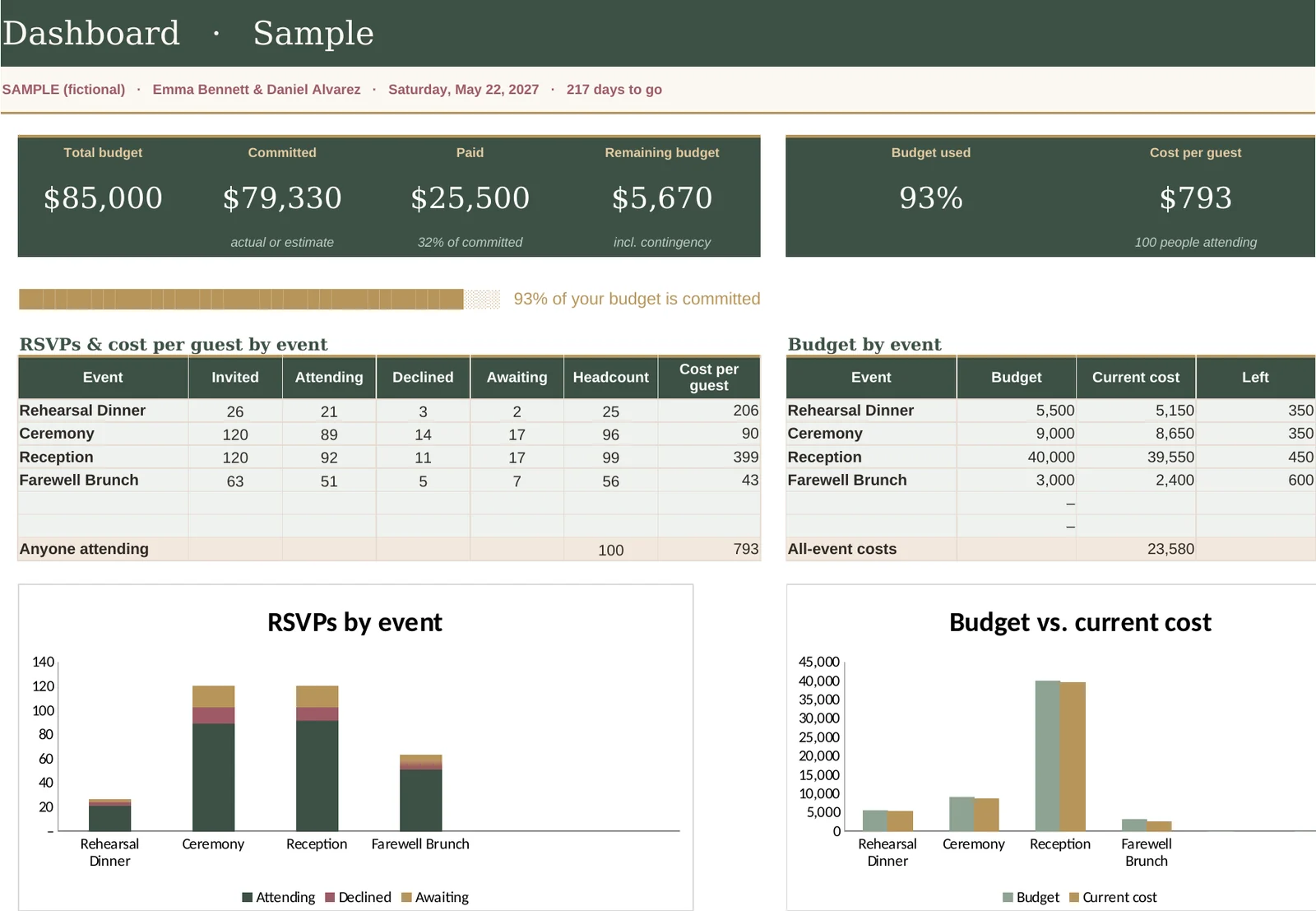
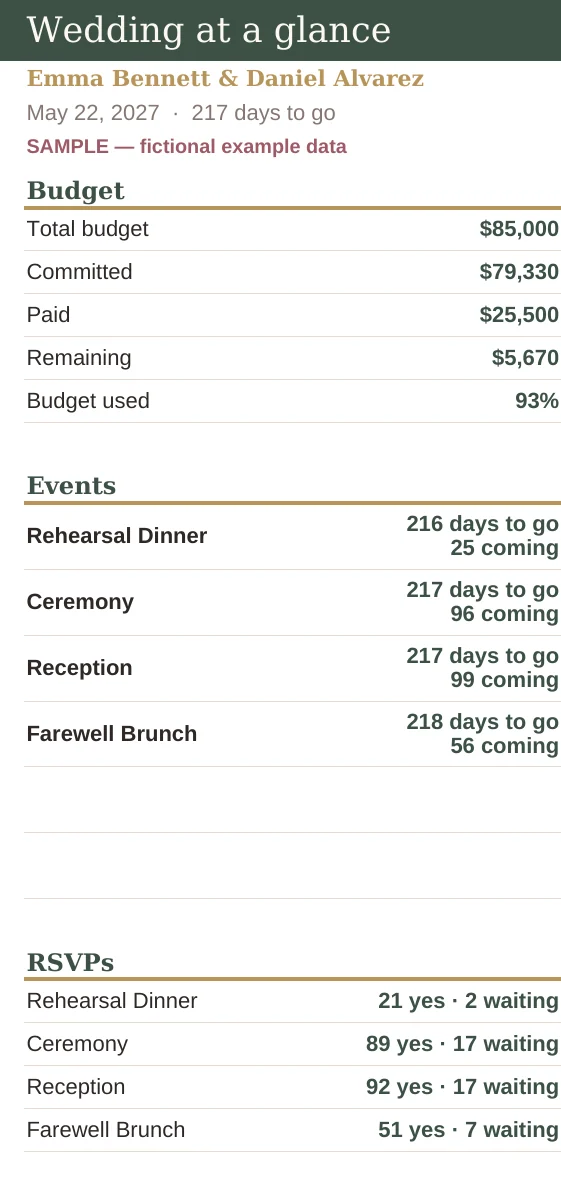
Most planners assume one party and one payer. Your wedding is a weekend of events with different guest lists, and parents who want to help pay for it.
Take the tour
See every part of the planner
Family split
Who pays for what, worked out for you
Add everyone who's contributing: the two of you, her parents, his parents. Each expense can be covered by one of you, split a custom way like 60/40, or shared by your usual percentages.
- Each contributor's total share, including their part of shared costs
- What each has paid so far and what's still to contribute
- A plain-English line on who owes whom, right now
- A one-screen summary you can show your parents
Try it: split the costs
Live example: the couple and both sets of parents
| Expense | Cost | Paid by |
|---|
What's inside
Eleven connected tabs, two editions
Type in the cream cells. Everything in green calculates on its own.
Why this one
Built for weddings with more than one event
| Feature | Typical one-event planner | Every Event |
|---|---|---|
| Several events with their own dates, venues and budgets | — | ✓ Up to 6 |
| A separate guest list and headcount for each event | — | ✓ |
| Entrée counts for each event | — | ✓ |
| Costs split between you and your parents, including custom splits | — | ✓ Up to 4 contributors |
| Who owes whom, calculated from real payments | — | ✓ |
| Payment schedule linked to the budget | Sometimes | ✓ |
| Day-of schedule and gift log | Sometimes | ✓ |
Reviews
From couples who bought it
Based on 0 verified reviews
How it works
Set up in an evening
Open the file in Excel, or upload it to Google Drive and save it as a Google Sheet.
Your names, date, budget, and who's contributing. Then add your events.
Mark invites per event, add costs and payments. Totals and balances update as you type.
Get the planner
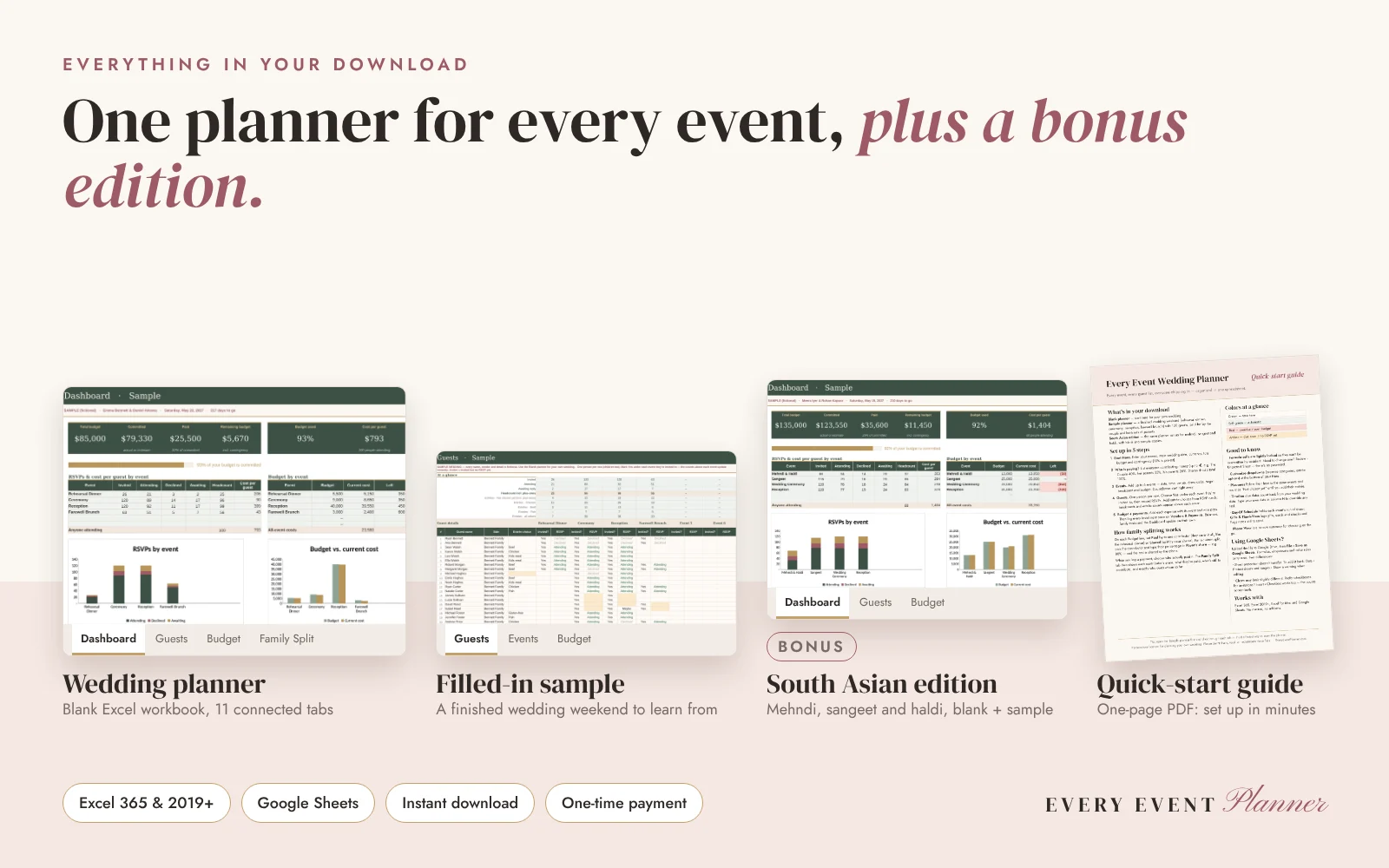
Everything for every event, in one download
Start with the filled-in sample to see every feature working, then plan your own wedding in the blank copy.
The price goes back to $29 after November 30.
- Works in Excel (365 & 2019+) and Google Sheets
- Blank workbook plus a filled-in sample wedding
- Bonus South Asian edition (mehndi, sangeet, haldi)
- One-page quick-start guide (PDF)
- Instant digital download
Checkout is opening soon. Please check back shortly.
Personal-use license: for planning your own wedding. Please don't share, resell or redistribute the files. Refund policy.
Questions
Frequently asked
Does it work in Google Sheets?
Yes. Upload the file to Google Drive and choose File › Save as Google Sheets. Formulas, dropdowns and color highlights carry over. Charts may look a little different, and the light formula protection doesn't transfer, but the guide shows how to add it back.
Which versions of Excel are supported?
Excel for Microsoft 365, Excel 2019 and newer, on Windows and Mac. It uses no macros or add-ons.
Do I need spreadsheet skills?
No. You type in the cream cells and pick from dropdowns. Every total, count and balance is calculated for you.
Can both sets of parents contribute?
Yes. Add up to four contributors, such as the two of you and both sets of parents, each with a usual share. Any expense can be covered by one contributor, shared by usual shares, or split with a custom percentage.
What if my parents pay a vendor in full?
Record the payment under their name. The Family Split tab shows how much the others owe them, based on how that expense is split.
We're only having a ceremony and reception. Is it still a fit?
Yes. Use as many events as you have, from one to six. Guest lists, budgets and entrée counts work the same way.
Do you have a version for South Asian weddings?
Yes. The download includes a South Asian edition set up for mehndi, sangeet, haldi, ceremony and reception, with vegetarian and Jain meal options. Event names are editable in both editions, so the planner fits any tradition.
Can I share the planner with my family?
Yes, you can share your own planning file with the people helping you plan your wedding. The license is for your personal use, so please don't give away, resell or post the blank planner files.
What if the files don't work for me?
Email us. If your files won't open or something is wrong with them, we'll fix it or refund you. See the refund policy for details.
How do I get the files?
Right after checkout we email you a secure download link for the planner and the quick-start guide. If it doesn't arrive within a few minutes, check your spam folder or contact us.